You can have the best products in Riyadh and the best content in Arabic, but if Google cannot crawl, understand and load your website fast, you will not rank. That is what technical SEO fixes.
I have audited many Saudi websites over the years: clinics, real estate developers, restaurants, Salla stores and large bilingual e-commerce brands. The same problems show up again and again. Arabic pages that Google treats as duplicates of English pages. Beautiful stores that take 6 seconds to load on a mobile phone in Jeddah. Filter pages that create thousands of useless URLs. And almost nobody is ready for AI search yet.
This guide shows you exactly what I check, in the order I check it. It starts simple and goes deep. If you own a business, you will know what to ask your team. If you work in SEO or development, you can use it as your audit checklist.
What Is Technical SEO? (Simple Explanation)
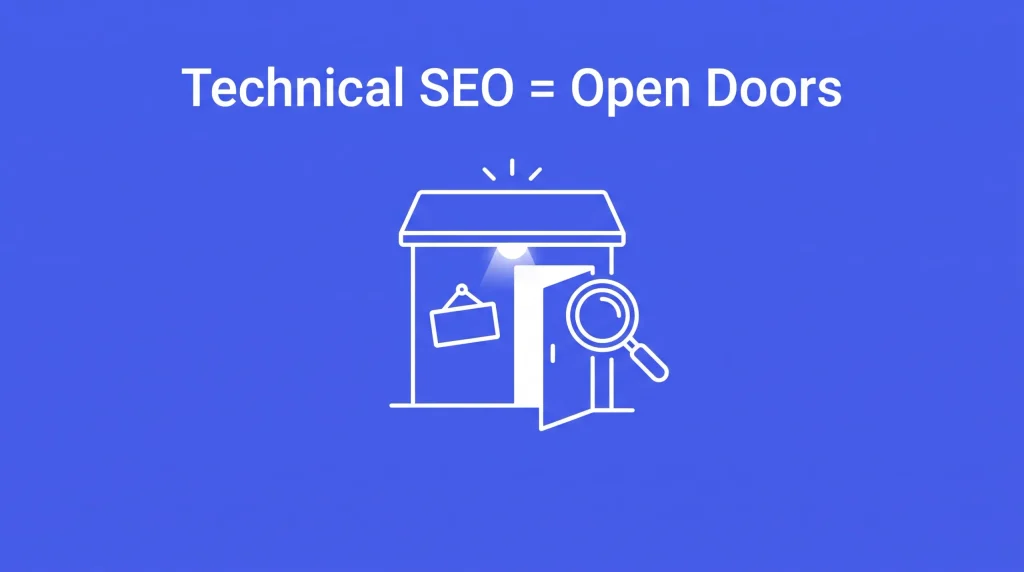
Technical SEO is the work you do on your website’s structure and code so search engines can find, read, understand and trust your pages.
Think of your website as a shop in a big mall. Content is the products on your shelves. Backlinks are people recommending your shop. Technical SEO is the door, the lights, the signs and the aisles. If the door is locked or the lights are off, nobody sees your products, no matter how good they are.
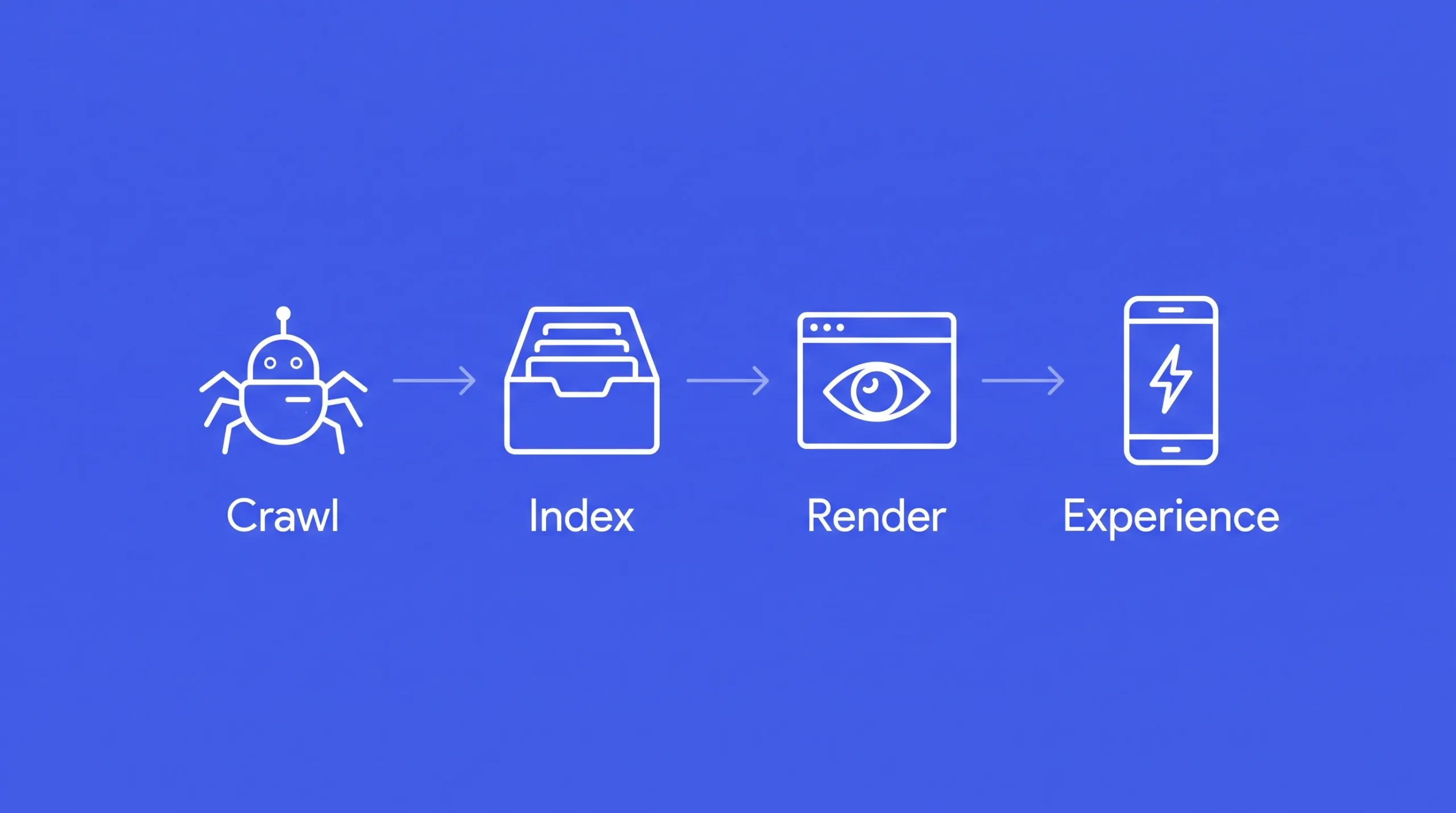
Technical SEO covers four main jobs:
- Crawling: Googlebot can reach your pages.
- Indexing: Google chooses to store your pages in its index.
- Rendering and understanding: Google sees the full page, knows the language, the location and what the page is about.
- Experience: The page is fast, secure and easy to use on mobile.
Today there is a fifth job: being understood by AI systems like Google AI Overviews, ChatGPT, Gemini and Perplexity. We cover this later in the guide.
Why Technical SEO in Saudi Arabia Is Different
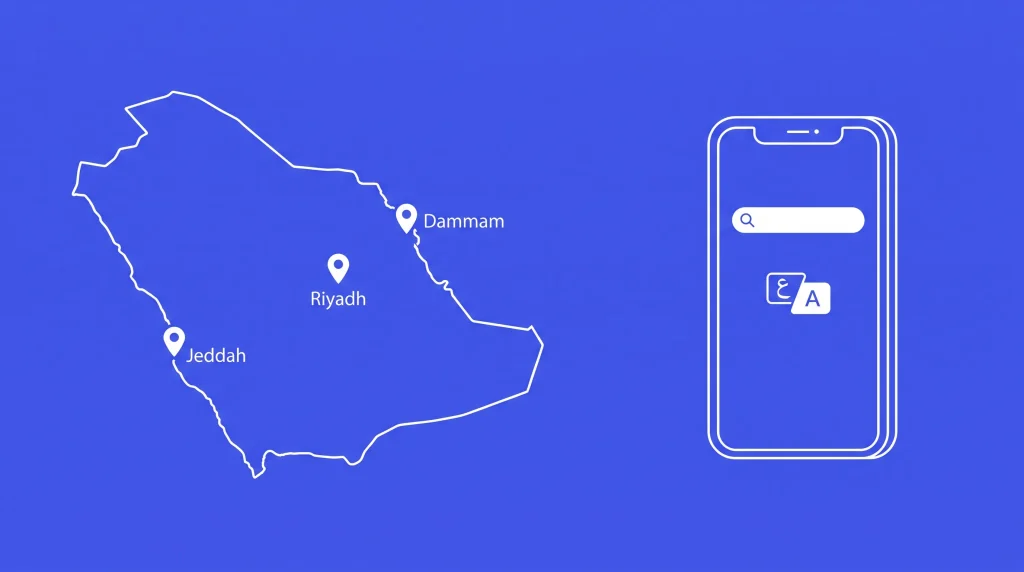
Most technical SEO guides are written for English websites in the US or UK. Saudi websites face extra challenges that those guides never mention.
- Google dominates search. Google holds more than 95% of searches in the Kingdom, according to Ranked.sa. So you optimize for Google first.
- Mobile is almost everything. The same source puts mobile above 80% of searches. Google also uses the mobile version of your site for ranking. Your mobile site is your real website.
- Two languages, two directions. Most serious Saudi businesses need Arabic (right to left) and English (left to right) versions. This creates hreflang, layout and font challenges.
- Arabic search behavior is unique. People type the same word in several spellings, mix Saudi dialect with formal Arabic and often search in English or “Arabizi”.
- Local platforms. Many stores run on Salla or Zid, which give you less technical control than WordPress or custom builds.
- Heavy local scripts. Buy now pay later widgets (Tabby, Tamara), WhatsApp buttons, Snap Pixel and TikTok Pixel add weight that slows pages down.
- Strong seasons. Ramadan, Eid, White Friday, Founding Day and National Day bring traffic spikes that can crash weak servers.
- Local rules. The Personal Data Protection Law (PDPL), overseen by SDAIA, affects how you handle cookies and tracking.
- Vision 2030 growth. Digital competition grows every year, so small technical gaps now cost real revenue.
The good news: most Saudi competitors still ignore these points. Fix them and you gain an advantage quickly.
Before You Start: Tools You Need
You do not need expensive tools to begin. Here is my standard toolkit:
- Google Search Console: free, and the most important tool. It shows indexing, errors, Core Web Vitals and search queries.
- Google Analytics 4: shows which pages bring traffic and sales.
- PageSpeed Insights: tests speed using real Chrome user data.
- Screaming Frog or Sitebulb: crawls your site like Googlebot does.
- Ahrefs or Semrush: for backlinks and Arabic keyword data.
- Bing Webmaster Tools: small share in KSA, but free extra data.
Also write down your platform (Salla, Zid, Shopify, WordPress, custom), your target cities and your languages. These decide what you can fix and how.
Level 1: Technical SEO Basics
These are the foundations. If any of them is broken, nothing else matters.
1. Crawlability: Can Google Reach Your Pages?
Robots.txt is a small file at yoursite.com/robots.txt that tells search engines what they can and cannot crawl. Check that:
- It does not block your whole site (a common mistake after moving from a staging site).
- It does not block CSS or JavaScript files that Google needs to render your pages.
- It blocks useless areas like cart, checkout, account pages and internal search results.
- It includes a link to your XML sitemap.
XML sitemap is a list of pages you want Google to index. A good sitemap:
- Includes only pages that return status 200, are indexable and are the canonical version.
- Is split by type (products, categories, blog, services) on large sites.
- Includes both Arabic and English URLs.
- Is submitted in Google Search Console.
Orphan pages are pages with no internal links pointing to them. Google struggles to find and value them. Every important page should be linked from somewhere on your site.
2. Indexability: Is Google Storing Your Pages?
Open the Pages report in Google Search Console. Focus on these statuses:
- Crawled, currently not indexed: Google saw the page and decided it is not worth indexing. Usually thin, duplicate or low value content.
- Discovered, currently not indexed: Google knows the page exists but has not crawled it. Often a crawl budget or internal linking problem.
- Excluded by noindex tag: check these are intentional.
- Duplicate without user selected canonical: Google found duplicates and you did not tell it which one is the original.
Canonical tags tell Google which version of a page is the main one. Every indexable page should have a self referencing canonical. Never point an Arabic page’s canonical to the English page. They are different pages for different users.
Duplicate versions of your site must all redirect to one version: https vs http, www vs non-www, with or without trailing slash. Pick one and 301 redirect the rest.
3. Site Architecture: Is Your Site Easy to Navigate?
Good architecture helps users and search engines. My rules:
- Every important page is reachable within 3 clicks from the homepage.
- A clear hierarchy: Home, then Category, then Subcategory, then Product or Service.
- Breadcrumbs on every inner page.
- Service pages for each city you serve, linked from a clear locations hub.
- Related links between blog posts and service pages, so authority flows to pages that make money.
4. HTTPS and Security
Every Saudi website must run on HTTPS. Check for:
- A valid SSL certificate that renews automatically.
- No mixed content (images or scripts still loading over http).
- HTTP redirecting to HTTPS in one step, not a chain.
- HSTS enabled for extra security.
For e-commerce, security is also a trust signal. Saudi shoppers leave quickly if the browser shows a warning.
5. On Page Technical Elements
- Title tag: unique for every page, with the main keyword near the start. Arabic characters display differently from English, so check how titles look in real search results.
- Meta description: unique and persuasive. It does not rank you directly but it drives clicks.
- One H1 per page, and a logical H2 and H3 structure.
- Image alt text in the same language as the page.
- Language and direction tags: Arabic pages need
<html lang="ar" dir="rtl">. English pages need<html lang="en" dir="ltr">. Many Saudi sites get this wrong.
6. Status Codes and Redirects
- Fix broken internal links (404 errors).
- Use 301 for permanent moves, not 302.
- Remove redirect chains (A to B to C). Point A straight to C.
- If you moved platforms (for example from WordPress to Salla, or Salla to Shopify), check that old URLs still redirect. This is one of the biggest causes of lost traffic I see in KSA.
Level 2: Arabic and Bilingual Technical Setup
This is where most Saudi websites lose rankings, and where you can win fastest.
7. Hreflang: Telling Google Which Language Is for Whom
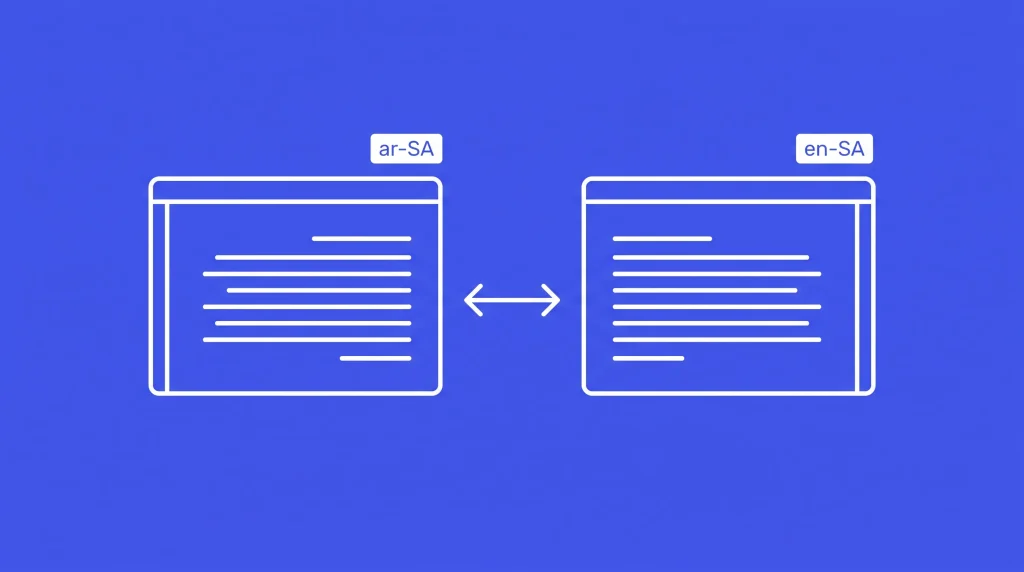
Hreflang tags tell Google that your Arabic and English pages are versions of each other, and which audience each one serves. Without them, Google may show your English page to Arabic searchers, or treat both as duplicates.
A correct setup for a Saudi bilingual page looks like this:
<link rel="alternate" hreflang="ar-SA" href="https://example.com/ar/services/" />
<link rel="alternate" hreflang="en-SA" href="https://example.com/en/services/" />
<link rel="alternate" hreflang="x-default" href="https://example.com/ar/services/" />
Rules I always check:
- Reciprocal links: the Arabic page points to the English page and the English page points back. If one side is missing, Google ignores the pair.
- Correct codes:
ar-SAmeans Arabic for Saudi Arabia.en-SAmeans English for Saudi Arabia. Never usesaalone, because that is not a language code. - x-default: the version for everyone else. For most Saudi businesses I set it to Arabic.
- Canonical URLs only: hreflang must point to indexable pages that return status 200.
- GCC expansion: add
ar-AE,ar-KWand others only when content, prices or currency actually change. Otherwise plainarcan cover the wider Arabic audience.
8. Separate URLs for Each Language
Each language needs its own URL. Good options:
- Folders:
example.com/ar/andexample.com/en/(my usual choice, easiest to manage) - Subdomains:
ar.example.comanden.example.com
Avoid switching language with cookies or JavaScript on the same URL. Google only sees one version and the other language disappears from search.
Do not auto redirect by IP or browser language. Googlebot crawls mostly from the United States. If your site forces US visitors to English, Google may never see your Arabic pages. Show a small language suggestion banner instead.
Also make sure the language switcher links to the matching page, not the homepage.
9. Arabic URLs or English URLs?
Both work for Google. The choice depends on your priorities:
| Option | Example | Advantages | Disadvantages |
|---|---|---|---|
| Arabic slug | /ar/عطور-رجالية/ | Matches the query, can improve click rate in Arabic results | Turns into long encoded text (%D8%B9…) when shared or copied |
| English slug on Arabic page | /ar/mens-perfume/ | Short, clean, easy to share | Less keyword match for Arabic users |
My advice: pick one approach and use it everywhere. If you use Arabic slugs, make sure your server handles UTF-8 correctly and redirects do not break with encoded characters.
10. Domain Choice: .sa or .com?
- A
.saor.com.sadomain sends a strong local signal to Google and builds trust with Saudi users. - A
.comdomain works well for brands that also target other GCC countries. Use a/sa/folder or hreflang to target Saudi users.
Do not change your domain just for SEO if you already have a strong .com. A domain migration carries real risk.
11. RTL Layout and Arabic Rendering
Right to left layout affects user experience, and user experience affects rankings. Check on real phones:
- Menus, arrows, sliders and icons are mirrored correctly.
- No text overflows or overlaps on small screens.
- Mixed Arabic and English text (brand names, prices, phone numbers) displays in the right order.
- Numbers are consistent. Most Saudi users search with Western digits (123), not Arabic Indic digits (١٢٣), so use Western digits in prices and titles unless your brand style says otherwise.
12. Arabic Spelling Variations and Site Search
Arabic users type the same word in different ways:
- أ, إ and ا (for example أحمد and احمد)
- ة and ه (for example عيادة and عياده)
- ى and ي at the end of words
- Saudi dialect vs formal Arabic (for example جوال vs هاتف محمول)
Google understands many of these variations, but your internal site search often does not. If a customer types عطور رجاليه and your store shows zero results, you lose the sale. Ask your developer to normalize these letters in site search. In your content, cover the main variants naturally, without stuffing.
Level 2: Speed, Mobile and Core Web Vitals
Saudi users expect fast websites. Slow pages lose rankings and lose sales, especially on mobile.
13. Core Web Vitals Explained Simply
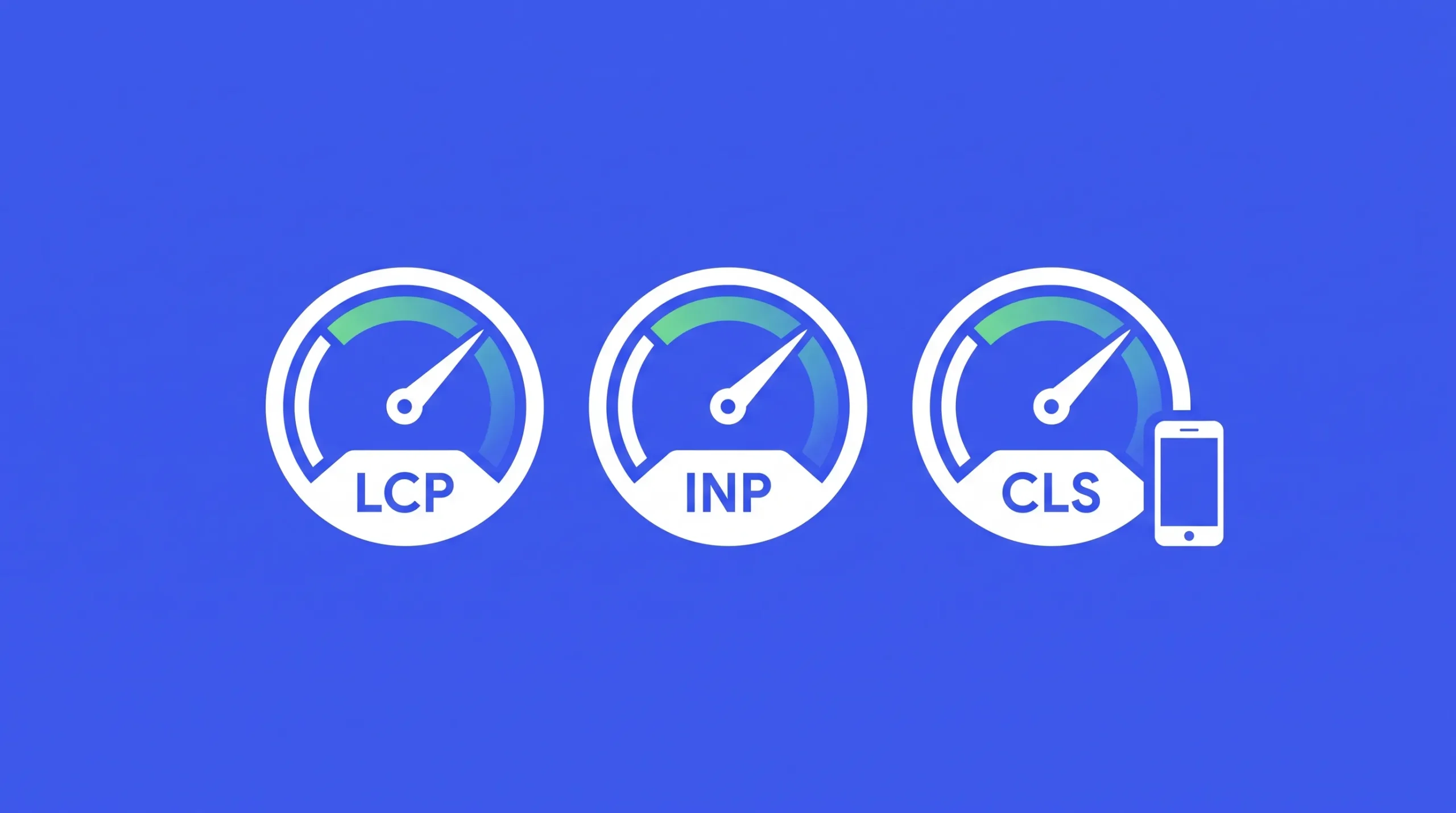
Core Web Vitals are Google’s three user experience scores:
| Metric | What it measures | Good score |
|---|---|---|
| LCP (Largest Contentful Paint) | How fast the main content appears | 2.5 seconds or less |
| INP (Interaction to Next Paint) | How fast the page reacts when you tap or click | 200 milliseconds or less |
| CLS (Cumulative Layout Shift) | How much the page jumps while loading | 0.1 or less |
Always look at field data (real users) in Search Console or PageSpeed Insights, not only the lab score. The lab score is a test. Field data is what Google uses.
14. Mobile First Checks
- Content on mobile matches desktop. Hidden or removed content on mobile may not count.
- Buttons and links are big enough to tap.
- No full screen popups that block content. “Download our app” popups are very common in KSA and can hurt rankings.
- Forms are short and easy to fill on a phone.
- Click to call and WhatsApp buttons work.
15. Hosting Location and CDN
Where your server sits affects speed. A site hosted in Europe or the US adds delay for every visitor in Riyadh or Jeddah.
- Use a CDN with edge locations in the Gulf. Cloudflare, AWS CloudFront and Google Cloud all serve the region.
- Consider local or regional cloud hosting (Google Cloud Dammam, Oracle Riyadh and Jeddah, STC Cloud) for large or regulated businesses.
- Aim for a Time to First Byte (TTFB) under 800 milliseconds for Saudi users.
- Enable caching and Brotli or Gzip compression.
16. Arabic Fonts: The Hidden Speed Killer
Arabic web fonts are much larger than Latin fonts because Arabic letters change shape by position. A heavy font can delay your main text and hurt LCP.
- Use only the weights you need (for example regular and bold).
- Subset fonts to Arabic and basic Latin characters.
- Preload the main font file.
- Use
font-display: swapso text shows immediately. - Prefer WOFF2 format.
- Consider system fonts for body text if speed is critical.
17. Third Party Scripts Common on Saudi Sites
In my audits, scripts cause the worst INP scores on Saudi websites. Typical offenders:
- Buy now pay later widgets: Tabby, Tamara
- Payment badges and mada, Apple Pay scripts loaded on every page
- Tracking pixels: Snap Pixel, TikTok Pixel, Meta Pixel, Google Ads
- Live chat and WhatsApp widgets
- Heatmap and session recording tools
- Review widgets
What to do:
- Load them only on pages that need them (for example BNPL only on product and cart pages).
- Delay non essential scripts until the user interacts or the page finishes loading.
- Use Google Tag Manager carefully and remove old tags.
- Test INP before and after each change.
18. Images and Media
- Serve images in WebP or AVIF.
- Use responsive sizes (
srcset) so phones get smaller images. - Lazy load images below the fold, but never the main hero image.
- Set width and height on images to prevent layout shift.
- Host videos on YouTube or a video CDN and load them with a lightweight preview.
Level 3: Advanced Technical SEO
19. Structured Data (Schema Markup)
Schema markup is code that explains your page to search engines and AI systems in a clear format. It can earn rich results like stars, prices and breadcrumbs. Use JSON-LD format.
The schema types I use most for Saudi businesses:
- Organization: name, logo, social profiles, phone with +966.
- LocalBusiness (or a specific type like MedicalClinic, Restaurant, RealEstateAgent): address, geo coordinates, opening hours.
- Product and Offer: price,
priceCurrency: "SAR", availability, reviews. - BreadcrumbList: on every inner page.
- Article: on blog posts, with author details.
- FAQPage: for real FAQ sections (rich results are now limited, but it still helps machines understand).
- VideoObject: for video content.
Write schema in Arabic on Arabic pages and English on English pages. Test with Google’s Rich Results Test and watch the Enhancements reports in Search Console.
20. JavaScript SEO
Many Saudi startups build with React, Next.js, Vue or Angular. Google can render JavaScript, but it takes more time and things break easily.
- Use URL Inspection in Search Console to compare the raw HTML with the rendered page.
- Make sure titles, canonicals, hreflang, main content and links appear in the HTML without waiting for JavaScript. Server side rendering (SSR) or static generation is safest.
- Internal links must be real
<a href="...">links, not buttons with click events. - Infinite scroll needs paginated URLs that Google can crawl.
21. Crawl Budget and Faceted Navigation
Crawl budget is how many pages Google is willing to crawl on your site. It matters for sites with thousands of pages, like e-commerce stores and property portals.
The biggest waste I see: filter URLs. Size, color, brand, price and sort options can create millions of combinations. Fix it by:
- Deciding which filter pages have real search demand (for example “عطور رجالية فرنسية”) and making those indexable with their own content.
- Blocking or noindexing the rest.
- Removing tracking parameters (UTM links from Snapchat or TikTok ads) from internal links.
- Blocking internal search result pages.
22. Log File Analysis
Server logs show exactly what Googlebot crawls, how often and which errors it hits. For large sites, this is the most honest data you can get. Look for:
- Important pages that Googlebot rarely visits.
- Crawl activity wasted on parameters, old URLs or redirects.
- 5xx server errors during busy periods.
- Verified Googlebot vs fake bots.
23. Local SEO: The Technical Side
For businesses that serve customers in Riyadh, Jeddah, Dammam, Khobar or Makkah, local visibility means Google Maps and the local pack.
- Claim and verify a Google Business Profile for each branch.
- Keep your NAP (name, address, phone) exactly the same on the site, the profile and directories, in Arabic and English.
- Use your Saudi National Address format consistently.
- Build a dedicated page for each city or branch, with unique content, local photos, directions and reviews. Do not just swap the city name.
- Add LocalBusiness schema with geo coordinates on each location page.
- Update opening hours for Ramadan and Eid, both on the site and on the profile.
24. Platform Specific Checks: Salla, Zid, Shopify and WordPress
| Platform | Common technical issues | What to check |
|---|---|---|
| Salla | Limited control of robots.txt and templates, duplicate product URLs, heavy themes | Canonicals, meta fields per product, image sizes, installed apps |
| Zid | Limited schema control, theme speed | Search Console connection, product structured data, page speed |
| Shopify | Duplicate /collections/ product paths, apps loading scripts everywhere | Canonicals, app cleanup, translation app hreflang output |
| WordPress / WooCommerce | Plugin bloat, cheap hosting, tag and archive pages | Hosting, caching, SEO plugin settings, noindex thin archives |
Before you plan any fix, confirm what your platform allows. Some fixes on Salla or Zid need an app, a theme change or a support ticket.
Level 3: AI Search and LLM Visibility
Search is changing. Google AI Overviews now appear for many queries, and more Saudi users ask ChatGPT, Gemini, Copilot and Perplexity for recommendations. Technical SEO decides whether these systems can read and trust your website.
25. How to Make Your Site AI Ready
- Let the right bots in. Review robots.txt for AI crawlers: GPTBot and OAI-SearchBot (OpenAI), Google-Extended (Gemini training), ClaudeBot (Anthropic), PerplexityBot and Bingbot. Blocking them may remove you from AI answers. Decide based on your business goals.
- Keep content in plain HTML. Many AI crawlers do not run JavaScript well. If your content only appears after scripts load, AI tools may not see it.
- Answer questions clearly. Put a short direct answer near the top of each section, then the detail. AI systems quote clear answers.
- Use strong entity signals. Organization schema, a consistent brand name in Arabic and English, author pages and links to your official profiles help AI understand who you are.
- Build E-E-A-T. Show real experience: author bios, case studies, licenses, commercial registration and reviews.
- Consider llms.txt. A simple text file that points AI tools to your key pages. It is still experimental, so treat it as a low priority extra.
- Track it. Check how AI tools describe your brand, and watch referral traffic from chatgpt.com and perplexity.ai in GA4.
Seasonality, Compliance and Trust
26. Seasonal Server Readiness
Saudi traffic peaks around Ramadan, Eid, White Friday, Founding Day (February 22), National Day (September 23) and Riyadh Season.
- Load test your server before each peak.
- Keep seasonal pages on the same URL every year (for example
/ramadan-offers/) so they build authority over time. Do not create a new URL each year. - Publish seasonal pages 4 to 8 weeks early so Google has time to index them.
- Avoid big site changes or migrations during peak seasons.
27. PDPL, Privacy and Trust Signals
- Follow the Personal Data Protection Law (PDPL) for cookies and tracking. Get legal advice for your exact case.
- Make sure your cookie banner does not cause layout shift or cover the main content.
- Show your commercial registration and Saudi Business Center verification on e-commerce sites, plus VAT number where required.
- Have clear contact, returns and privacy pages. These help users and support E-E-A-T.
The Complete Technical SEO Audit Checklist
Use this checklist for any Saudi website. Tick each item once it is checked and fixed.
Basics
- Robots.txt allows important pages and blocks useless ones
- XML sitemap clean and submitted in Search Console
- One site version (https, www or non-www) with 301 redirects
- Self referencing canonicals on all indexable pages
- No broken internal links or redirect chains
- Unique titles, meta descriptions and one H1 per page
- Correct lang and dir attributes on Arabic and English pages
Arabic and bilingual
- Hreflang ar-SA, en-SA and x-default, reciprocal and valid
- Separate URLs per language, no IP based redirects
- Language switcher links to the matching page
- RTL layout tested on real phones
- Site search normalizes Arabic spelling variations
Speed and mobile
- LCP, INP and CLS pass in field data
- CDN with Gulf edge locations, TTFB under 800 ms
- Arabic fonts subset, preloaded, font-display swap
- Third party scripts delayed or limited to needed pages
- Images in WebP or AVIF with sizes set
Advanced
- Schema for Organization, LocalBusiness, Product, Breadcrumbs, Article
- Key content visible without JavaScript
- Filter and parameter URLs under control
- Log files reviewed (large sites)
- Google Business Profile and city pages for every branch
- AI crawler access decided and content AI ready
- Seasonal pages on fixed URLs and server load tested
- PDPL compliant consent and trust signals visible
Your 90 Day Technical SEO Plan
| Period | Focus | Result you should see |
|---|---|---|
| Days 1 to 30 | Full audit, fix crawl, index, redirect and hreflang errors | Fewer errors in Search Console, more pages indexed |
| Days 31 to 60 | Speed, Core Web Vitals, fonts, scripts, mobile fixes | Better Core Web Vitals, lower bounce rate |
| Days 61 to 90 | Schema, local SEO, crawl budget, AI readiness, monitoring | Rich results, better local visibility, stable growth |
After 90 days, run a light audit every month and a full audit every 6 months, or after any redesign or platform move. Give your developers a simple SEO checklist to follow before every release. This one habit prevents most ranking drops.
Frequently Asked Questions
What is technical SEO in simple words?
It is making your website easy for Google to find, read, understand and load fast. It covers crawling, indexing, speed, mobile, security and structured data.
How much does a technical SEO audit cost in Saudi Arabia?
It depends on the size of the site and the platform. A small service website needs far less work than an e-commerce store with thousands of products. Ask for a scoped quote after an initial review.
How long does technical SEO take to show results?
Critical fixes like indexing and redirects can show results in 2 to 6 weeks. Speed and structure improvements usually show clear gains in 2 to 4 months.
Should my Saudi website be in Arabic or English?
Ideally both. Arabic reaches the widest audience and English captures expat users and English searches from Saudis. Set them up with separate URLs and hreflang.
Is a .sa domain better for SEO?
It gives a strong local signal and builds trust, but a well set up .com can rank just as well in Saudi Arabia.
Can I do technical SEO on Salla or Zid?
Yes, but with limits. You can control titles, descriptions, URLs, images and some structured data. Deeper fixes may need apps, theme changes or platform support.
Does technical SEO help me appear in ChatGPT and AI Overviews?
Yes. AI systems need to crawl and understand your pages. Clean HTML, schema, clear answers and strong brand signals improve your chances.
How often should I audit my website?
A light check monthly, a full audit every 6 months, and always before and after a redesign or migration.
Need Help With Technical SEO in Riyadh?
Technical SEO is detailed work. One wrong hreflang tag, one blocked folder or one heavy script can cost you thousands of riyals in lost traffic every month. If you want experts to handle it for you, our team at Nukhta Studio does exactly this for Saudi businesses.
We offer:
- Full technical SEO audits for Arabic and bilingual websites
- Hreflang, RTL and Arabic SEO setup
- Speed and Core Web Vitals optimization for Salla, Zid, Shopify and WordPress
- Local SEO and Google Business Profile optimization for Riyadh and all Saudi cities
- AI search readiness for Google AI Overviews and ChatGPT
Explore our SEO services in Riyadh or call us directly at +966 50 993 0979 for a free initial website review. Let us find what is holding your website back and fix it.
4 thoughts on “Technical SEO: Complete Guide From Basic to Advanced (2026)”