If your team spends hours every day answering the same questions on WhatsApp, chasing invoices by email, or searching for the latest version of a contract, you probably need a portal. The hard part is knowing which one.
Client portal, customer portal and vendor portal sound similar. Many software companies even use the words as if they mean the same thing. But they serve different people, solve different problems, and need different features. Picking the wrong one can waste months of work and a big part of your budget.
This guide explains each portal in plain language, compares them side by side, and helps you decide which one fits your business. We also cover what matters for companies in Saudi Arabia, like ZATCA e-invoicing, data protection rules and Arabic support.
Quick Answer
Here is the short version before we go deeper:
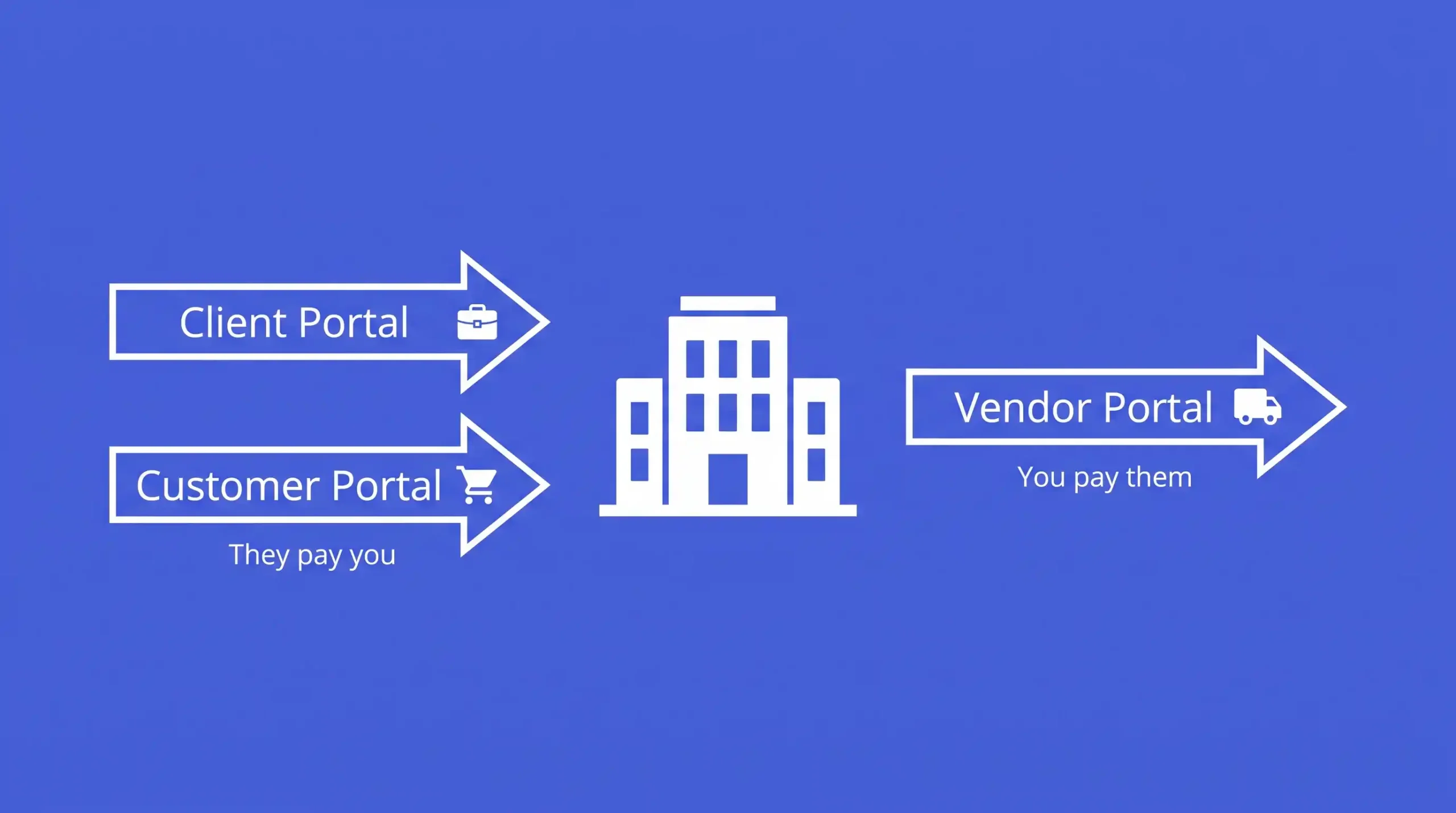
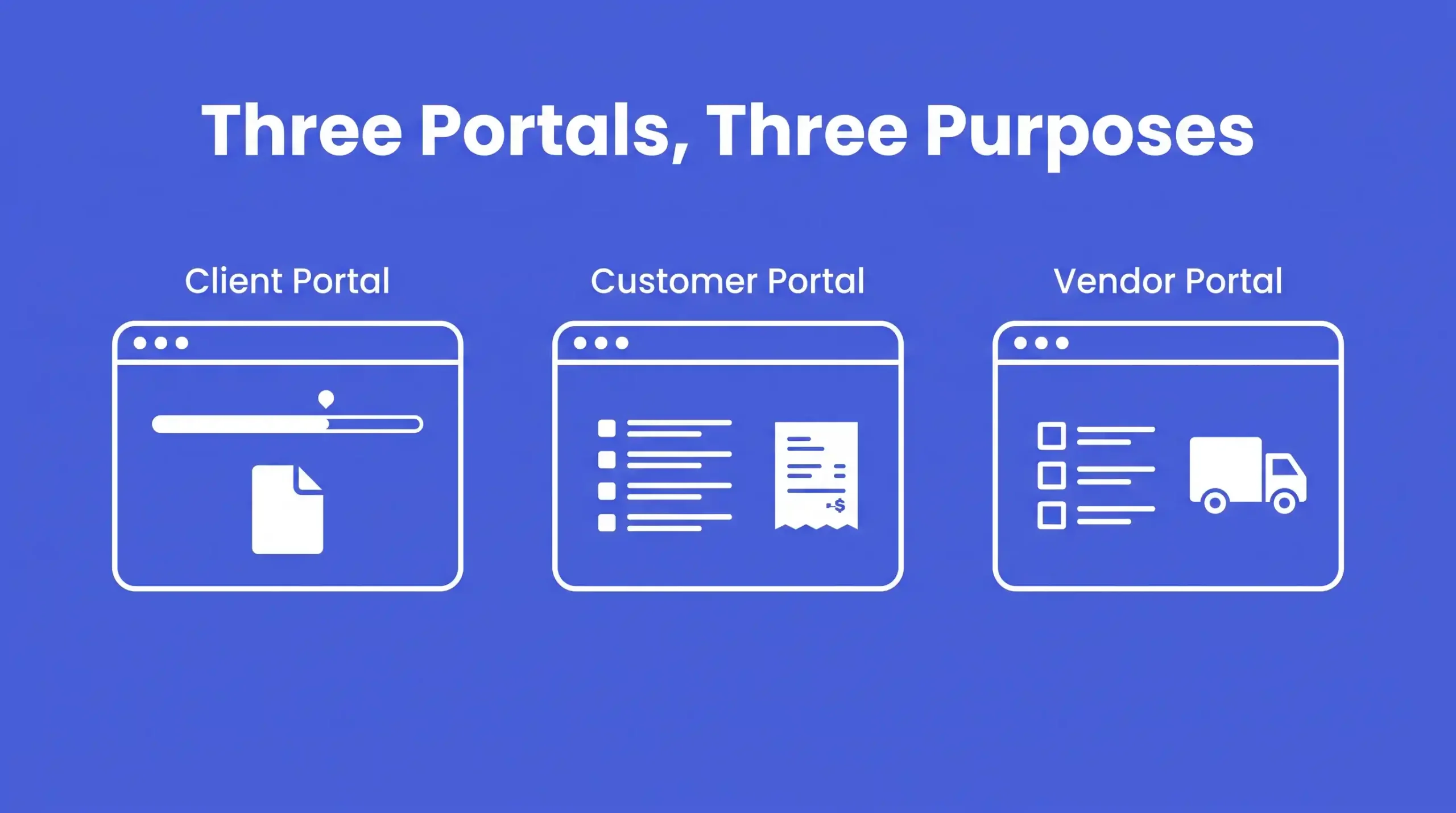
- Client portal: for people you do ongoing work for, like a law firm, agency, consultant or construction contractor. It focuses on projects, files, approvals and communication.
- Customer portal: for people who buy your products or services. It focuses on orders, invoices, account details and self-service support.
- Vendor portal: for suppliers who sell to you. It focuses on supplier onboarding, purchase orders, invoices and payments.
A simple way to remember it: client and customer portals face the people who pay you. A vendor portal faces the people you pay.
What Is a Business Portal?
A business portal is a secure, password-protected website or web app where outside users log in to see information and complete tasks related to your business. Unlike your public website, a portal shows each user only their own data, such as their orders, documents, invoices or projects.
Every good portal does three things:
- Gives users secure access to their own information at any time.
- Lets them complete tasks on their own without calling or emailing your team.
- Connects with your internal systems, like your ERP, CRM or accounting software, so the information is always up to date.
The difference between the three portal types comes down to one question: who is logging in, and what do they need to do?
What Is a Client Portal?
A client portal is a secure online space where a service business and its clients work together over time. The relationship is ongoing, personal and often involves sensitive documents.
Who Uses a Client Portal?
Client portals are common in professional services, including:
- Law firms and legal consultants
- Accounting and audit firms
- Marketing and creative agencies
- Engineering and construction companies
- Management consultants
- Real estate developers and property managers
- Financial advisors and investment firms
Key Features of a Client Portal
- Project dashboards showing progress, milestones and deadlines
- Secure file sharing with version history
- Approval workflows so clients can sign off on designs, drawings or reports
- Messaging and comment threads tied to each project
- Invoices and payment status for each engagement
- Electronic signatures for contracts and change orders
- Meeting scheduling and shared calendars
- Role-based access so each client only sees their own projects
Client Portal Example
A Riyadh engineering firm managing a building project shares drawings, site photos and progress reports through a client portal. The developer logs in, reviews the latest drawings, leaves comments, and approves them with one click. No more lost email attachments or “which version is final?” confusion.
What Is a Customer Portal?
A customer portal is a self-service platform where your buyers manage their account and transactions with you. It works for both B2B and B2C businesses, though in this guide we focus mainly on B2B use.
The main goal is to let customers help themselves, so your sales and support teams spend less time on routine requests.
Who Uses a Customer Portal?
- Wholesalers and distributors selling to retailers
- Manufacturers selling to dealers and trade buyers
- SaaS and technology companies
- Telecom, utility and internet providers
- Logistics and shipping companies
- Equipment suppliers with service contracts
Key Features of a Customer Portal
- Online ordering and reordering with customer-specific pricing
- Order tracking and delivery status
- Invoice history, account statements and online payments
- Credit limit and balance visibility
- Support tickets and complaint tracking
- Knowledge base, FAQs and product documents
- Account and user management for the customer’s team
- Quotes and RFQ requests
For a full breakdown of what to include, read our guide on customer portal development features.
Customer Portal Example
A food distributor in Saudi Arabia serves 400 supermarkets and restaurants. Before the portal, its sales team took orders by phone and WhatsApp, and mistakes were common. Now customers log in, see their contract prices, place orders, track delivery, and download ZATCA-compliant invoices on their own. The sales team focuses on growing accounts instead of typing orders.
What Is a Vendor Portal?
A vendor portal, also called a supplier portal, is a platform where your suppliers register, share documents and manage transactions with your company. It is part of your procurement process, not your sales process.
Who Uses a Vendor Portal?
- Large companies with many suppliers
- Government entities and semi-government organizations
- Contractors managing subcontractors
- Retail chains and hospitality groups
- Hospitals and healthcare groups
- Manufacturers buying raw materials
Key Features of a Vendor Portal
- Supplier registration and onboarding forms
- Document collection, such as Commercial Registration (CR), VAT certificate, Zakat certificate, bank letter and licenses
- Document expiry alerts so you never work with a supplier whose papers have lapsed
- Vendor approval and qualification workflows
- RFQs, tenders and bid submission
- Purchase order viewing and confirmation
- Invoice submission and three-way matching (PO, delivery receipt, invoice)
- Payment status tracking
- Supplier performance ratings and scorecards
Vendor Portal Example
A contracting company in Riyadh works with 250 subcontractors and suppliers. Before, procurement collected documents by email and stored them in folders. Now suppliers register online, upload their certificates, respond to RFQs and submit invoices in one place. The finance team sees which invoices match a purchase order and pays faster. Suppliers stop calling to ask “when will we get paid?”
Side-by-Side Comparison Table
| Factor | Client Portal | Customer Portal | Vendor Portal |
|---|---|---|---|
| Main users | Clients receiving ongoing services | Buyers of products or services | Suppliers and subcontractors |
| Direction of money | Client pays you | Customer pays you | You pay the vendor |
| Relationship type | Long-term, collaborative | Transactional to ongoing | Procurement and supply |
| Main goal | Collaboration and transparency | Self-service and sales growth | Procurement efficiency and compliance |
| Core features | Projects, files, approvals, messaging | Orders, invoices, payments, support | Onboarding, documents, POs, invoice submission |
| Owner inside your company | Account or project managers | Sales and customer service | Procurement and finance |
| Main systems to connect | Project management, CRM, document storage | ERP, CRM, payment gateway, e-commerce | ERP, procurement, accounting |
| Success metrics | Client satisfaction, fewer status emails | Fewer support calls, more repeat orders | Faster onboarding, faster invoice processing |
Key Differences Explained
1. Who Logs In
Client portal users are usually a small number of high-value clients who expect a personal experience. Customer portal users can be hundreds or thousands of buyers. Vendor portal users are your suppliers, who may range from large companies to small family businesses.
2. The Type of Relationship
A client relationship is about doing work together. A customer relationship is about buying and selling. A vendor relationship is about supply, compliance and payment. This shapes the whole design of the portal.
3. How Information Flows
In a client portal, information moves both ways all the time: you share progress, the client gives feedback and approvals. In a customer portal, the customer mostly pulls information (orders, invoices) and pushes requests (new orders, tickets). In a vendor portal, the supplier pushes information to you (documents, quotes, invoices) and you push back decisions (approvals, POs, payments).
4. Features That Matter Most
Client portals need strong document handling and approvals. Customer portals need ordering, pricing and payments. Vendor portals need onboarding, compliance checks and invoice matching.
5. How You Measure Success
For a client portal, look at client retention and the drop in “any update?” emails. For a customer portal, track support ticket reduction, order accuracy and repeat orders. For a vendor portal, measure supplier onboarding time, invoice processing time and on-time payments.
Which Portal Does Your Business Need?
Ask Yourself These Questions
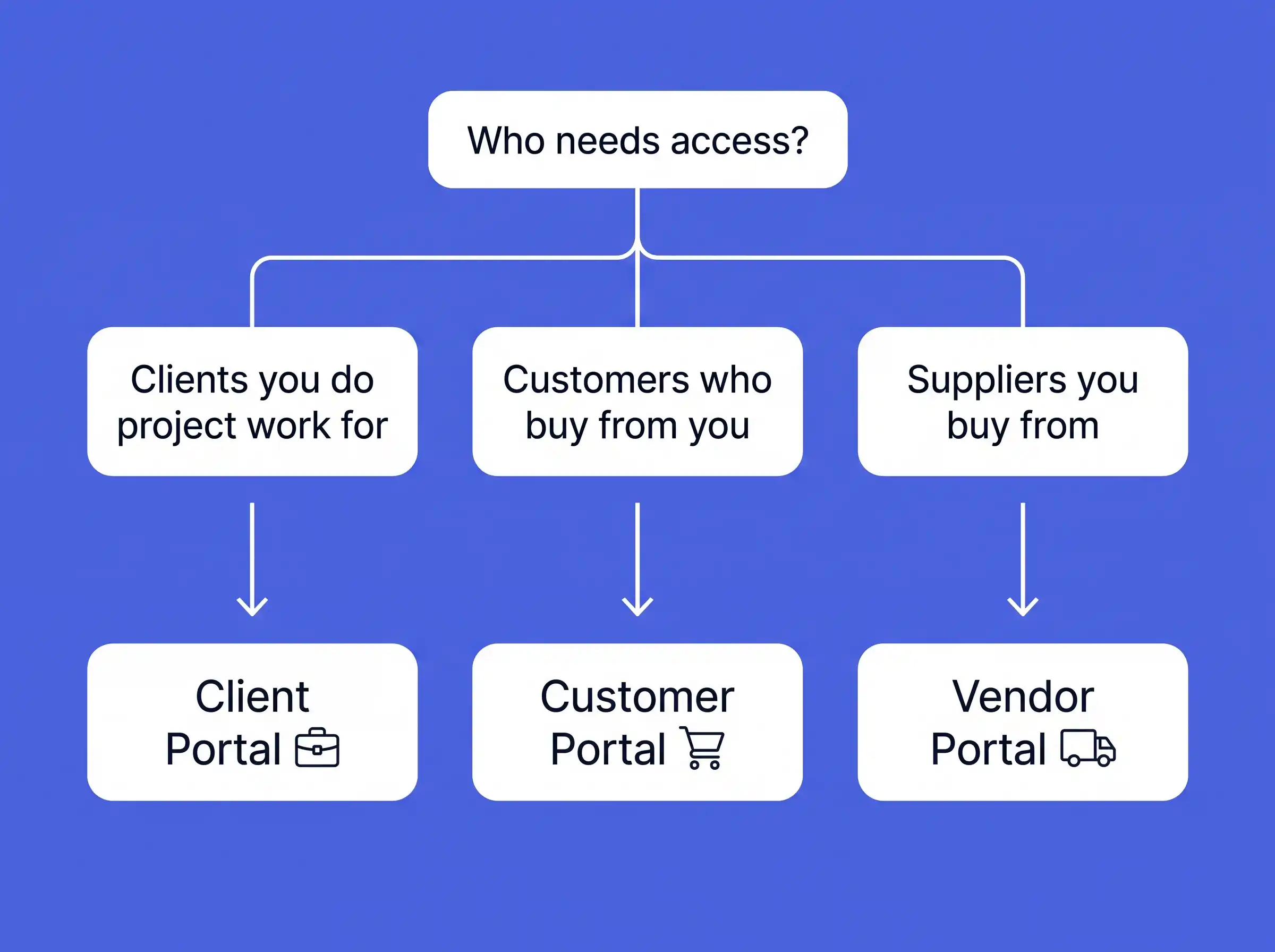
Question 1: Who is causing the most manual work for your team?
If it is clients asking for updates and files, start with a client portal. If it is customers placing orders and asking about invoices, start with a customer portal. If it is suppliers sending documents and invoices, start with a vendor portal.
Question 2: Do you sell projects or products?
Project-based work points to a client portal. Repeat sales of products or services point to a customer portal.
Question 3: How many suppliers do you manage?
If you work with more than 50 active suppliers, or your procurement team struggles with compliance documents, a vendor portal will likely pay for itself quickly.
Question 4: Where is the money leaking?
Late customer payments suggest a customer portal with online payments and statements. Duplicate or wrong supplier payments suggest a vendor portal with invoice matching. Lost project approvals and scope disputes suggest a client portal.
Recommendations by Industry
- Construction and contracting: client portal for project owners, vendor portal for subcontractors and suppliers.
- Wholesale and distribution: customer portal for B2B ordering, vendor portal for manufacturers you buy from.
- Manufacturing: customer portal for dealers and distributors, vendor portal for raw material suppliers.
- Professional services (legal, accounting, consulting): client portal.
- Healthcare groups: vendor portal for medical suppliers, plus a patient or customer portal where needed.
- Logistics: customer portal for shipment tracking and invoicing.
- Real estate: client portal for buyers and investors, vendor portal for contractors and maintenance providers.
Can One Business Need More Than One Portal?
Yes, and it is very common. A distributor sells to customers and buys from suppliers, so it can benefit from both a customer portal and a vendor portal.
The good news is you do not have to build separate systems. A well-planned B2B portal can serve several user groups from one platform, using role-based access. Each user type logs in through the same system but sees a different dashboard with different permissions. This saves money, keeps data in one place, and makes future upgrades easier.
The smart approach is to start with the portal that solves your biggest pain point, then add other user groups in later phases.
Saudi Market Considerations
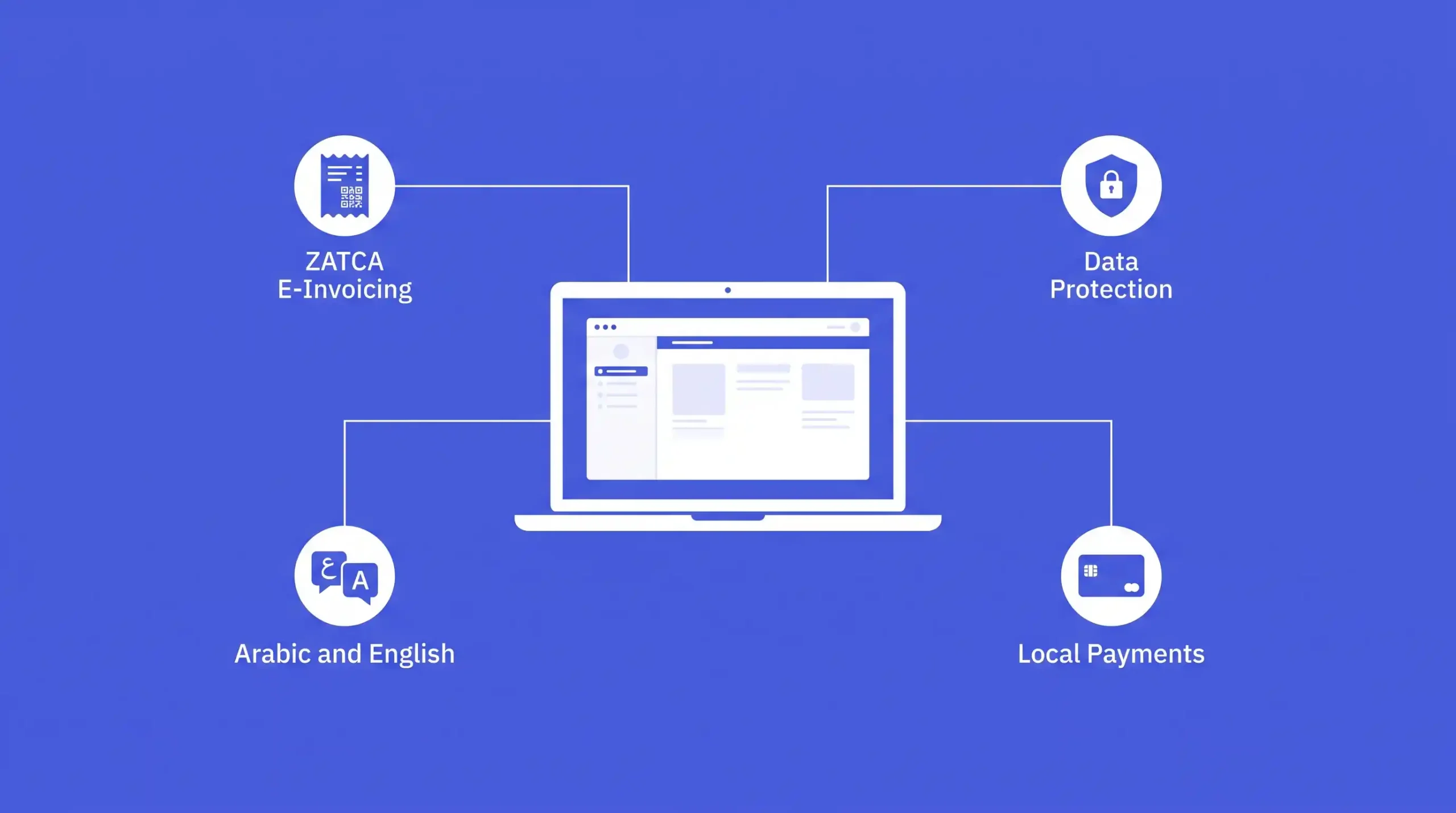
Generic portal advice often ignores local requirements. If you operate in Saudi Arabia, plan for these from day one.
ZATCA E-Invoicing (Fatoora)
Customer portals that show or generate invoices must work with ZATCA e-invoicing rules, including QR codes and integration with the Fatoora platform for businesses in the integration phase. Vendor portals should be able to receive and validate supplier e-invoices and VAT numbers.
Personal Data Protection Law (PDPL)
Saudi Arabia’s PDPL sets rules for how personal data is collected, stored and shared. Your portal needs clear consent, secure storage, access controls and proper data handling. Many organizations also prefer hosting data inside the Kingdom, and some sectors require it.
Cybersecurity Standards
Government entities and regulated sectors often need to align with National Cybersecurity Authority (NCA) controls. Features like two-factor authentication, audit logs, encryption and role-based permissions are must-haves, not extras.
Arabic and English Support
Your users will expect a fully bilingual portal with proper right-to-left (RTL) Arabic layout, not just translated text. Hijri and Gregorian date support is also a nice touch for many users.
Local Payments and Integrations
Customer portals should support local payment methods like mada, SADAD, Apple Pay and bank transfers. Integration with ERPs popular in the Kingdom, such as SAP, Oracle, Microsoft Dynamics and Odoo, is usually essential. Vendor portals may also need to verify CR numbers and other business data.
These requirements are part of why digital transformation under Vision 2030 has pushed many Saudi companies toward custom portals built for the local market.
Build vs Buy: Custom Portal or Ready-Made Software?
Ready-made (off-the-shelf) software is quicker to start and cheaper at first. It works well if your process is simple and standard. But you may struggle with Arabic support, ZATCA integration, local hosting, and connecting to your own ERP. Monthly per-user fees also add up as you grow.
A custom portal is built around your exact workflows, branding and systems. It costs more upfront but you own it, it grows with you, and it can combine client, customer and vendor access in one platform.
Choose ready-made software if you have few users, a standard process and a small budget. Choose a custom build if you have complex workflows, need deep ERP integration, need local compliance, or plan to serve multiple user groups.
How Much Does a Portal Cost and How Long Does It Take?
Cost depends on the number of user types, features, integrations and security needs. A basic portal with one user group costs much less than a full platform with customer, vendor and client access connected to your ERP.
Typical timelines look like this:
- Simple portal with core features: around 6 to 10 weeks
- Mid-level portal with integrations: around 3 to 5 months
- Enterprise multi-portal platform: 5 months or more
For detailed pricing ranges and the factors that affect them, see our guide on B2B portal cost in Saudi Arabia.
Common Mistakes to Avoid
- Choosing by name, not by need. Focus on who logs in and what they must do, not on what the software vendor calls it.
- Skipping integration. A portal that does not sync with your ERP or accounting system shows outdated data, and users stop trusting it.
- Building too much at once. Launch with the features that solve the biggest problem, then improve based on feedback.
- Ignoring Arabic users. A poor Arabic experience will hurt adoption, especially with suppliers and smaller customers.
- Forgetting onboarding. Users need training, guides and a reason to switch from WhatsApp and email.
- Treating security as an afterthought. Portals hold sensitive financial and personal data, so security must be built in from the start.
- No clear owner. Every portal needs an internal team responsible for content, support and improvements.
How Nukhta Studio Can Help
At Nukhta Studio, we design and build custom B2B portals for businesses in Riyadh and across Saudi Arabia. Whether you need a client portal for your projects, a customer portal for ordering and invoicing, a vendor portal for procurement, or one platform that brings all three together, we build it around how your business actually works.
Our portals are designed with the Saudi market in mind, including bilingual Arabic and English interfaces, ZATCA-ready invoicing, secure role-based access, and integration with your existing ERP, CRM and accounting tools.
Not sure which portal you need? Talk to our team and we will help you map your users, processes and priorities before you spend anything.
Explore our B2B portal development services in Riyadh or contact us directly on WhatsApp or phone at +966 50 993 0979.
Frequently Asked Questions
Is a client portal the same as a customer portal?
Not exactly. Both serve people who pay you, but a client portal is built for ongoing service work with projects, files and approvals, while a customer portal is built for buying, ordering, invoices and self-service support. Many businesses use the terms loosely, so focus on features rather than names.
What is the difference between a vendor portal and a supplier portal?
They are the same thing. Both terms describe a portal where suppliers register, share documents, receive purchase orders and submit invoices.
Can one portal serve customers and vendors at the same time?
Yes. A custom B2B portal can use role-based access so customers, vendors and clients each see their own dashboard and features inside one platform.
Do I need a portal if I already have a website?
A website shares general information with everyone. A portal gives each logged-in user their own private data and lets them complete tasks. Most growing B2B companies need both.
Does my portal need to support ZATCA e-invoicing?
If your portal issues or receives invoices in Saudi Arabia, it should work with ZATCA e-invoicing requirements. This applies mainly to customer portals that show invoices and vendor portals that accept supplier invoices.
Which portal should I build first?
Start with the portal that removes the most manual work or fixes the most expensive problem. For most distributors that is a customer portal. For companies with many suppliers it is a vendor portal. For service firms it is a client portal.
Is a custom portal better than ready-made portal software?
Ready-made tools suit simple needs and small budgets. A custom portal is better when you need ERP integration, Arabic support, local compliance, or multiple user types in one system.
Final Thoughts
Client portals, customer portals and vendor portals all aim to replace scattered emails, calls and spreadsheets with one secure place to work. The right choice depends on who you need to serve:
- Choose a client portal for collaboration on ongoing projects and services.
- Choose a customer portal for self-service ordering, invoices and support.
- Choose a vendor portal for supplier onboarding, procurement and invoice processing.
Many Saudi businesses will eventually need more than one, and a single, well-planned platform can handle all of them. Start with your biggest pain point, plan for local requirements like ZATCA and PDPL, and choose a development partner who understands both technology and the Saudi market.
Ready to find the right portal for your business? Visit Nukhta Studio’s B2B portal development page or call +966 50 993 0979 to start the conversation.